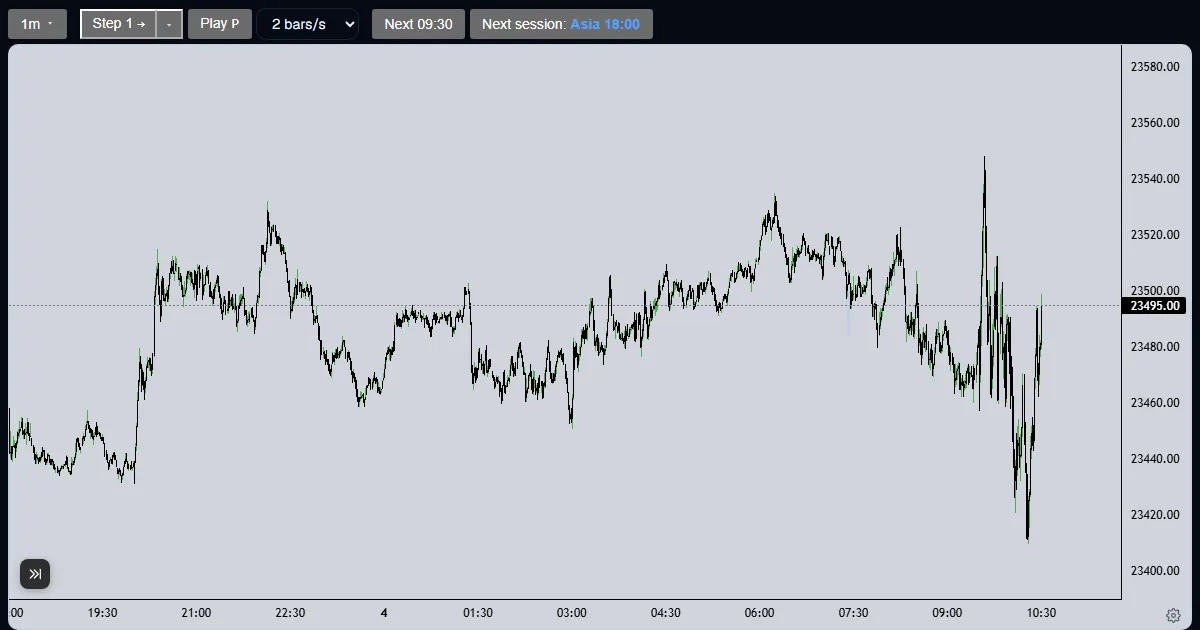
Explainer
How do I journal my trades in a futures replay?
Pick a decision, add tags and a note, and press Enter journal entry: the server stamps the time and last price, and the entry locks once you step.
Updated
The short answer
The Journal tab is where you write down a decision before you see the next candle. An entry has a decision (long, short, no trade or wait), optional tags and a note of up to 2,000 characters. It is stamped with the server clock, so it cannot be backdated.
Write an entry
Choose the decision
On the Journal tab press Long, Short, No trade or Wait. A decision is optional, but it is what the Journal habit figure on the stats page reads.
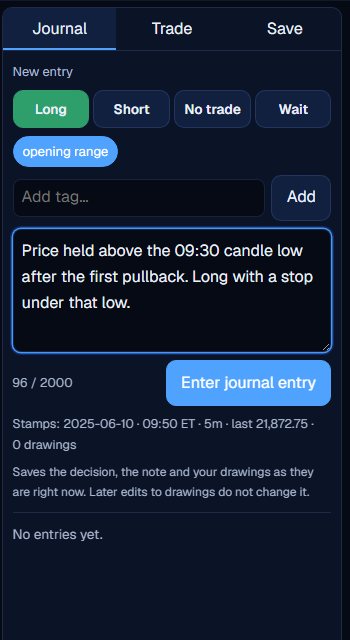
Add a tag and a note
Type a tag of up to 24 characters and press Add, then click it to attach it to the entry. Write what you see and what you would do. The line under the note shows the stamp: session, Eastern time, timeframe, last price and drawings.
Press Enter journal entry
The entry is saved with the time and the last close from the server, plus a snapshot of your drawings. It shows as Editable.
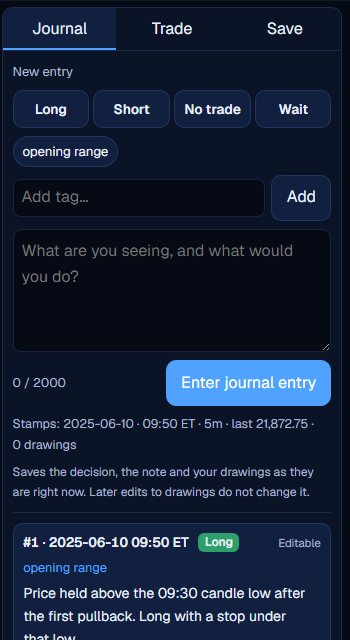
Step on and let it lock
Once the cursor moves, the entry shows Locked. To add a later thought, open the entry and press Write a follow-up, which creates a new entry linked to it.
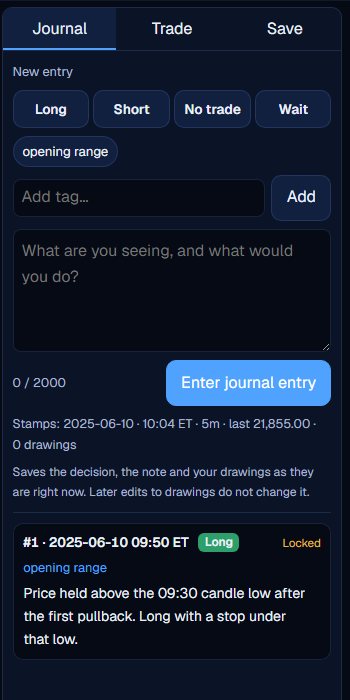
Why it locks
An entry is editable only until the cursor moves. After that it is a record of what you thought with the information you had, which is the point of keeping one. A follow-up leaves the original as written.
Entries stay with their run, and the run card on the Lab page counts them. A regular account has no download for the journal today, so the notes live in the Lab with the run.
A good entry is short and specific: the level, the reason, and what would prove it wrong. Tags make a second pass easier, because you can filter your own thinking by setup name. The By tag panel on the stats page groups your closed trades by the tags on the entry written before each fill.
Write the decision before you step. An entry written after the candle is a comment, not a record.
What the Trade Lab does not do
The Trade Lab replays history. It has no live data, and no real order is ever placed. Paper fills are modelled on 1-minute bars, so they approximate real fills.
Each account can read 40 distinct 1-minute sessions and start 5 new runs per UTC day, and it needs a verified email. The Lab itself is free.
Questions and answers
How do I keep a trading journal in a replay?
Open the Journal tab, choose a decision, add tags and a note, and press Enter journal entry before you step.
Can I edit an entry later?
Only until the cursor moves. After that it is locked, and you can write a follow-up entry instead.
Can I export my journal to CSV?
Not from a regular account today. Entries stay in the Lab with their run.
What does the server stamp on an entry?
The time, the Eastern clock, the timeframe, the last close and a snapshot of the live drawings.
What is a follow-up entry?
A new entry linked to an earlier one. The earlier entry stays as written, and the follow-up carries the later thought with its own time and price.
How many tags can I use?
Make your own tags, each up to 24 characters, and attach any of them to an entry.