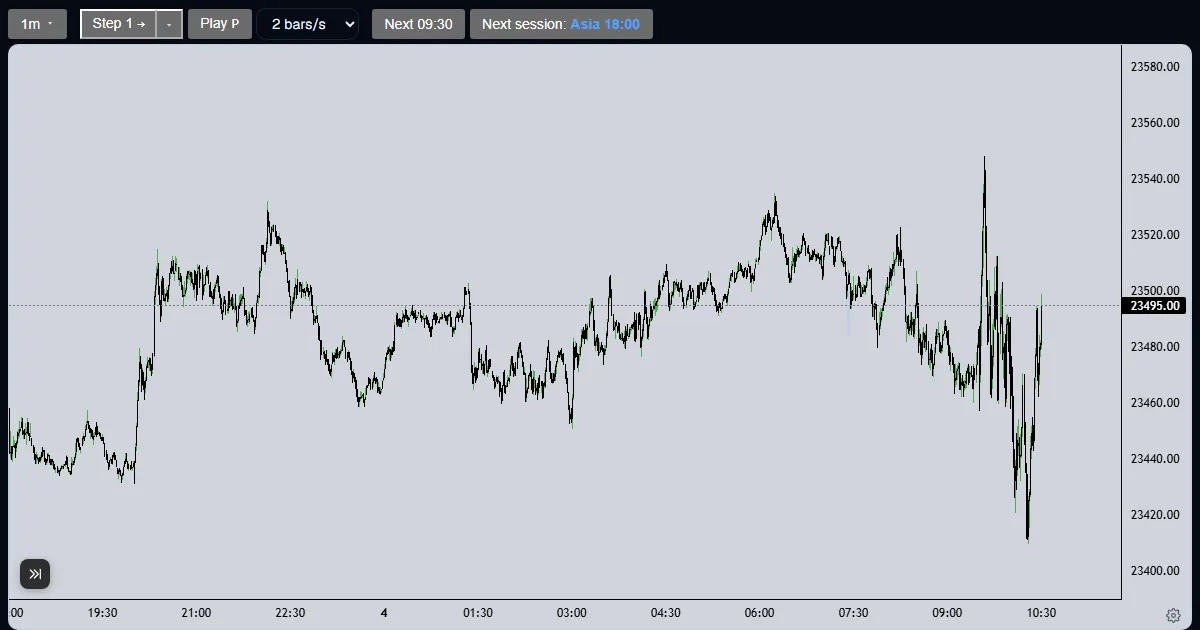
Explainer
How do I use the drawing tools in a futures replay?
Pick the horizontal ray, trend line, box with levels or Fibonacci tool, click the chart, then style the drawing from the bar that appears.
Updated
The short answer
The toolbar on the left of the chart has four drawing tools. Each drawing belongs to the run and stays where you put it as the replay moves on. Drawings are yours: nothing else reads them unless you save a chart.
Draw on the chart
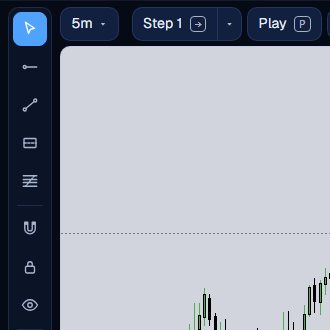
Find the tools
Pointer is first; Esc returns to it. Then come the Horizontal ray (Alt+H), Trend line (Alt+T), Box with levels (Alt+B) and Fib (Alt+F). Below them are Magnet, Stay in drawing mode and Hide all drawings.
Click to draw
Choose a tool, then click the chart. A horizontal ray takes one click; a trend line, a box and a Fibonacci take two. With Magnet on, a point snaps to the nearest open, high, low or close within 18 pixels.
Style it
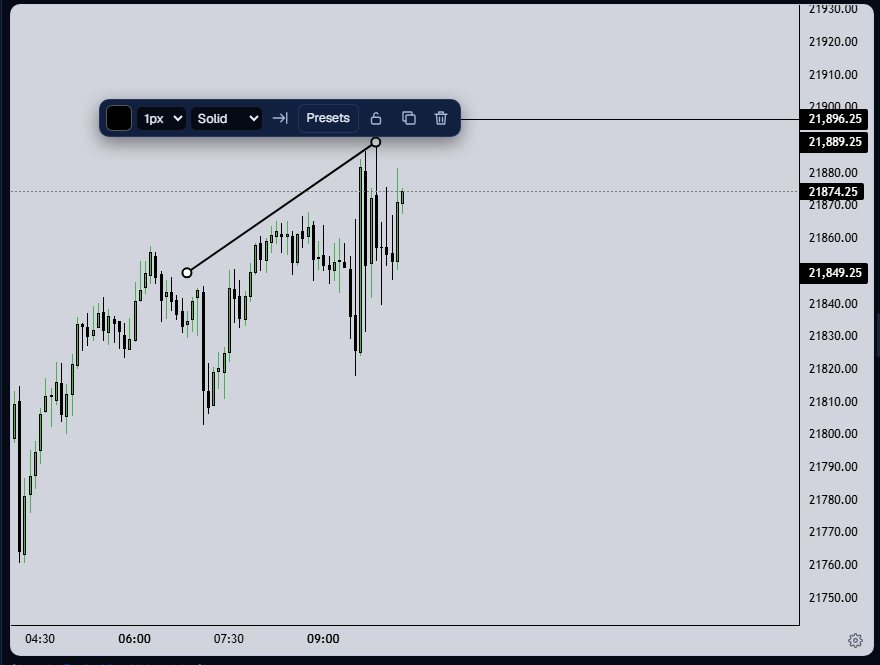
Select a drawing and a small bar appears. Change the colour, the width from 1 to 4 pixels and the style (solid, dashed or dotted), extend it right, clone it, lock it or delete it. Box and Fibonacci also open a Levels editor.
Manage the list
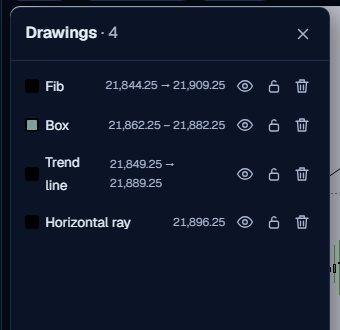
The layers button opens the Drawings list: every drawing with its price range, an eye to hide it, a lock and a bin. Delete all drawings sits below the toolbar, and Ctrl+Z undoes it in one step.
Using them well
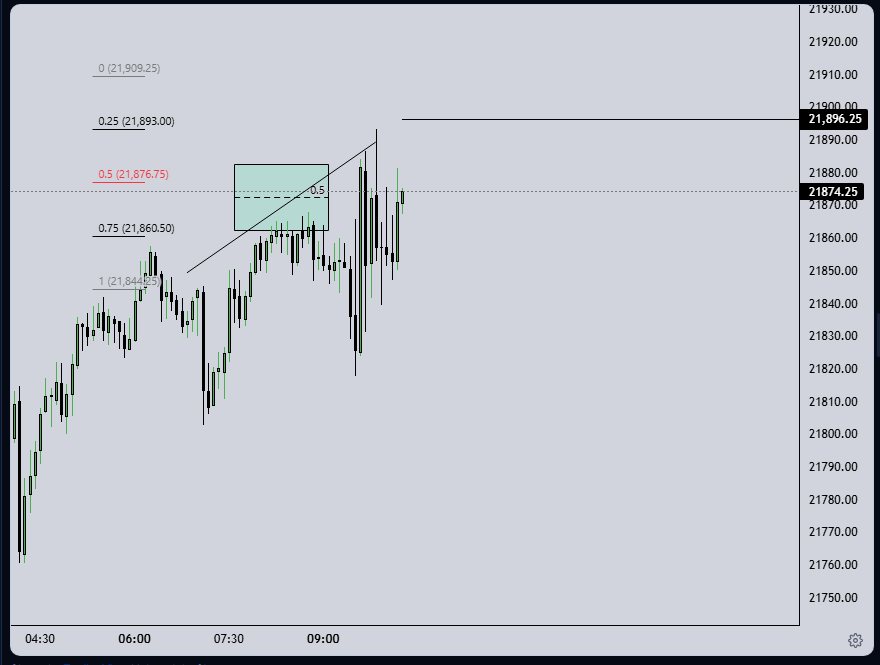
A horizontal ray is a level: yesterday high, the opening range, a round number. A box with levels marks a zone and its own price levels. A Fibonacci retracement divides a swing into the levels you choose. A trend line is the cheapest way to say where you would be wrong.
Drawings are part of the journal. Each entry stamps how many drawings were live, and a saved chart keeps them. A drawing placed after the cursor moves on does not change an old entry.
- Alt+H, Alt+T, Alt+B and Alt+F pick the tools, and Esc returns to the pointer.
- Ctrl+Z undoes and Ctrl+Y redoes; Delete all drawings is one undo step.
- The eye button hides every drawing without deleting any of them.
Draw before you step. A level you mark in advance is a rule; one you draw afterwards is a story.
What the Trade Lab does not do
The Trade Lab replays history. It has no live data, and no real order is ever placed. Paper fills are modelled on 1-minute bars, so they approximate real fills.
Each account can read 40 distinct 1-minute sessions and start 5 new runs per UTC day, and it needs a verified email. The Lab itself is free.
Questions and answers
What drawing tools does the Trade Lab have?
Four: a horizontal ray, a trend line, a box with levels and a Fibonacci retracement, with adjustable colours, line styles and levels.
How do I draw a Fibonacci retracement in a replay?
Choose Fib (Alt+F), click the swing start and then the swing end. Open Levels from the bar to change the levels.
How do I delete all my drawings?
Use Delete all drawings under the toolbar and confirm. Ctrl+Z restores them in one step.
Do my drawings stay when I step forward?
Yes. They belong to the run and stay where you placed them, and you can hide them all with the eye button.
Do drawings change the replay or the fills?
No. Drawings are for you. Orders and fills use only the order lines and the bars you have reached.
Can I keep drawing after the first one?
Turn on Stay in drawing mode and the tool stays selected until you press Esc.