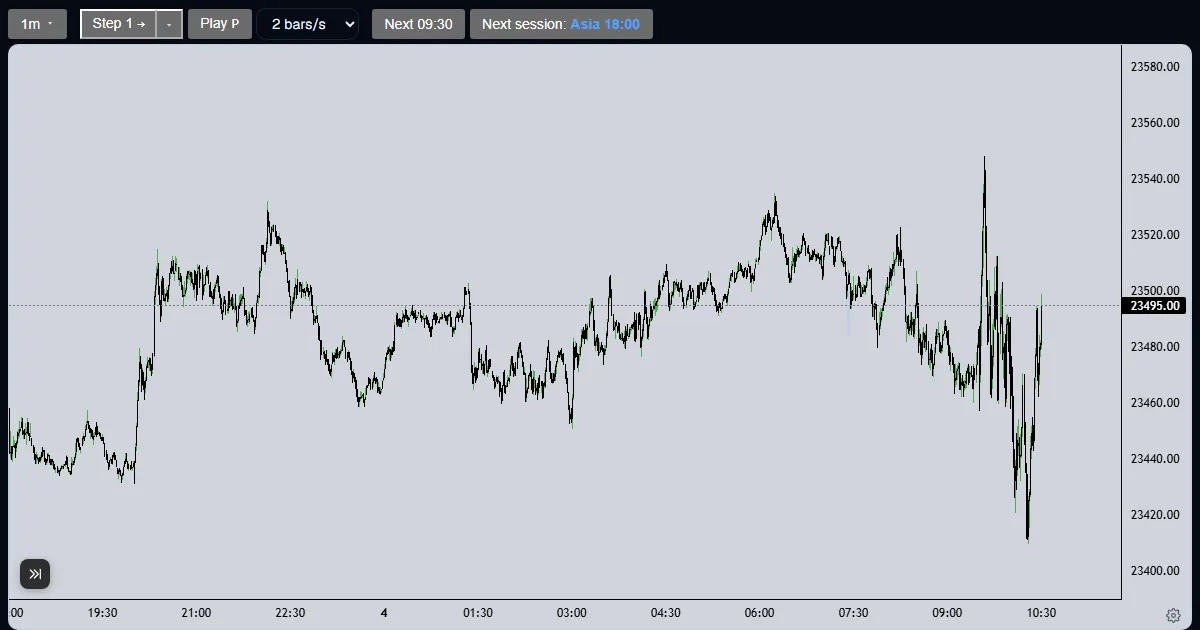
Explainer
How do I set up the paper account in a futures replay?
The Trade tab asks for a starting balance, a contract and a commission once per run; they lock when you press Create account.
Updated
The short answer
Every run has its own paper account, and you set it once. It has three settings: the starting balance in dollars, the contract, and the commission in dollars per contract per side. They lock for the run so that the equity and the stats cannot be quietly changed after a bad trade.
Set up the account
Fill in the three settings
Open the Trade tab. Type a starting balance, pick the contract, and type the commission you want to pay on each side of a trade. Zero is allowed.
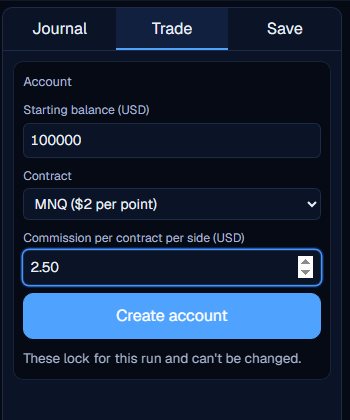
Press Create account
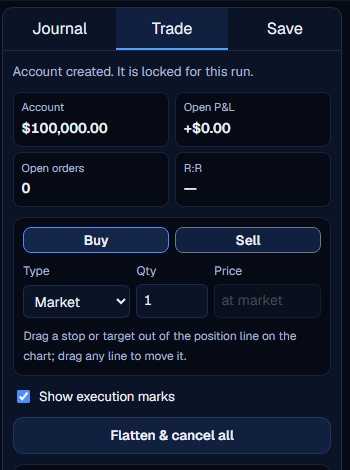
The settings lock for this run and the card disappears. The tab now shows Account (your equity), Open P&L, Open orders and R:R, and the order ticket.
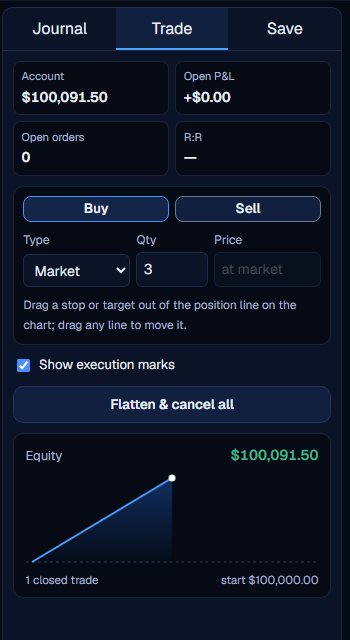
Trade and watch the equity
Each closed trade adds its net result to the balance. The Account figure is the starting balance plus closed trades plus the open position, and the small curve below draws it.
Choosing the settings
The contract follows the market: NQ runs offer NQ ($20 a point) and MNQ ($2), ES runs offer ES ($50) and MES ($5), and GC runs offer GC ($100) and MGC ($10). The quantity limit is 10 for the full-size contracts and 100 for the micros.
Commission is charged on both sides, so a round trip of three contracts at $2.50 a side costs $15. The commission can be between 0 and 100 dollars. If you want to compare two commission settings, start a second run.
Four figures sit above the order ticket. Account is equity: the starting balance plus closed trades plus the open position. Open P&L is the unrealised result in dollars. Open orders counts the orders still waiting, stops and targets included. R:R is the target distance over the stop distance, and it stays empty until both lines exist.
If equity falls to zero or below, a red message says new entries are blocked. The position that is open can still be closed.
The account is set once per run. To try different settings, start a new run.
What the Trade Lab does not do
The Trade Lab replays history. It has no live data, and no real order is ever placed. Paper fills are modelled on 1-minute bars, so they approximate real fills.
Each account can read 40 distinct 1-minute sessions and start 5 new runs per UTC day, and it needs a verified email. The Lab itself is free.
Questions and answers
Can I change the starting balance after I create the account?
No. The balance, contract and commission lock for the run. Start a new run to try different settings.
What starting balance should I use?
Use the size of the account you plan to trade. The Lab does not judge it; it only keeps the equity and the stats consistent with the number you type.
Is commission charged on every side?
Yes. It is dollars per contract per side, so each round trip pays it twice.
What happens if the equity reaches zero?
New entries are blocked. You can still close the position that is open.
Why can I not edit the commission after the first trade?
The settings lock when you press Create account, so the equity and the stats always match one set of costs. Start a new run to test another.
Where do I set the contract for ES or gold?
In the same Contract box. ES runs list ES and MES, and GC runs list GC and MGC.