Explainer
How do I manually backtest 100 trades on NQ without coding?
Write one rule, take each trade as a paper trade with a stop and target, journal it with a tag, jump to the next session and read the totals.
Updated
The short answer
A manual backtest is a long run of replay trades taken by one written rule, each logged the same way. The Trade Lab keeps the trades, the journal and the totals, so there is no code and no spreadsheet to build. What it asks of you is time: each trade is a decision you make yourself.
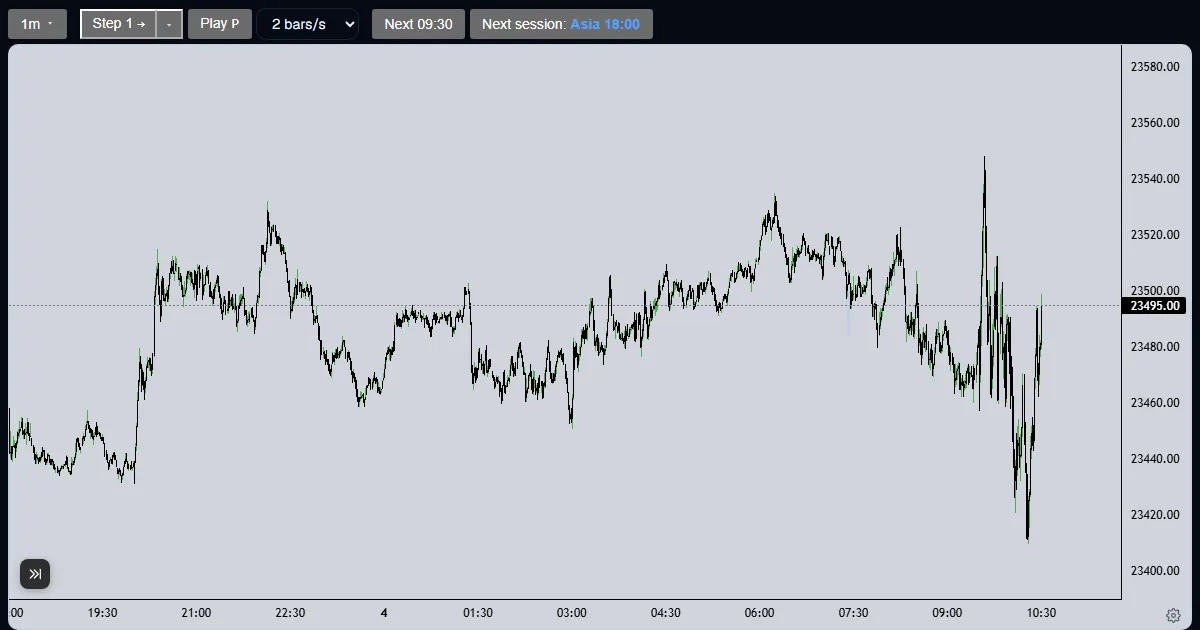
This walkthrough shows the method on NQ, Tuesday 2025-06-17 (contract NQM5), for the first trade. Repeat it for each of the hundred on different sessions.
- Setup
- The single, written condition that tells you to enter. Without one, the hundred trades cannot be compared.
- Closed trade
- A paper trade that has been exited, by its stop, its target or a flatten. Only closed trades count in the totals.
The method for trade one
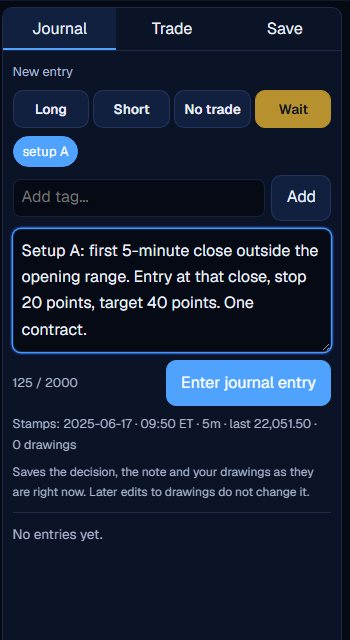
Write the rule before the first trade
In the Journal, write the setup, the entry, the stop, the target and the size. Tag it with the setup’s name and enter it. Nothing here changes for the next 99 trades.
Take the trade with its stop and target
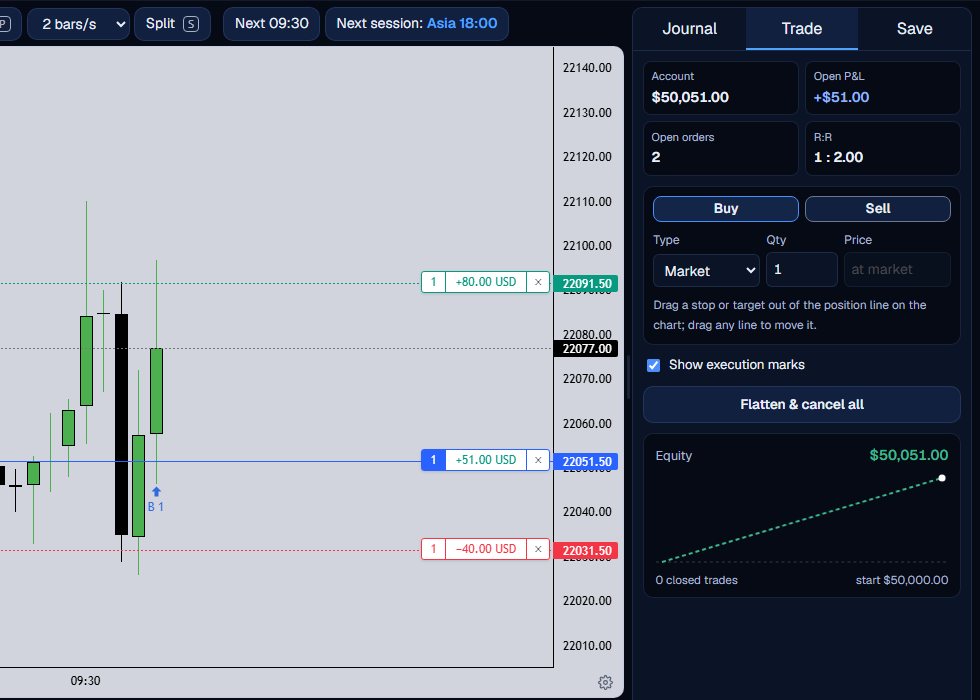
Create the paper account once, then place the order and drag the stop and target out to the distances in your rule: here 20 and 40 points.
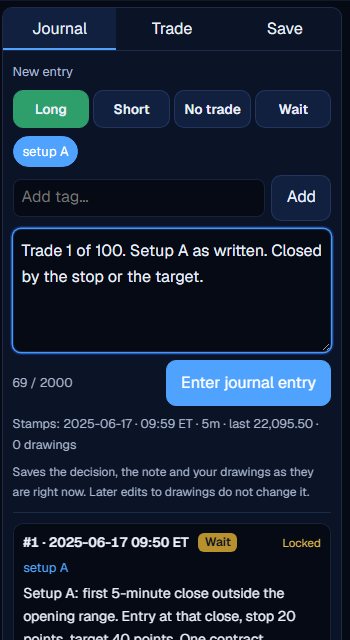
Journal each trade the same way
When it closes, enter a journal entry with the decision and the same tag. Number the trades in the note, so trade 37 of 100 is easy to find.
Jump to the next session
Press Next session to reach the next start and confirm the reveal. Every trade needs its own look at the chart, so skipping ahead is how you collect samples from different days.

Keep it a fair sample
Take every instance of the setup you see, including the ones you would rather skip. Log the ones you passed with No trade and a reason. Spread the run across many dates and both quiet and fast days.
Plan the time. Each account can read 40 distinct 1-minute sessions and start 5 new runs per UTC day, and a hundred trades usually takes several days of replay. A run is saved, so you continue where you left off.
A hundred trades by one written rule, logged the same way, is a sample. A hundred trades by feel is not.
Read the totals
The Lab page gains a Your backtesting section for every run that has a closed trade. It shows the trade count, win rate, net after commission, average trade in R, profit factor and maximum drawdown, with an equity curve and breakdowns. Our guide on reading your stats walks through each tile.
Read them as a description of your sample, not a promise. A hundred trades from one setup on one market can still lean on a few unusual weeks, so look at how the results spread across dates before you trust the totals.
What the Trade Lab does not do
The Trade Lab replays history. It has no live data, and no real order is ever placed. Paper fills are modelled on 1-minute bars, so they approximate real fills.
Each account can read 40 distinct 1-minute sessions and start 5 new runs per UTC day, and it needs a verified email. The Lab itself is free.
Questions and answers
How do I backtest a strategy manually without coding?
Write one rule, replay history one candle at a time, take each trade as a paper trade with a stop and target and journal it. The Lab keeps the totals.
How many trades does a manual backtest need?
There is no fixed number. A hundred is a common target, and a larger sample says more than a smaller one. Our explainer on sample size covers it.
Where do I see my stats?
On the Lab page, under Your backtesting, once a run has a closed paper trade.
Can I hand the rule to someone to test it for me?
Yes. A paid version tests an exact rule on the full history. Every version is $19.
Why not code it?
You can, in other tools. A manual run suits rules that are about judgement, and it is free in the Lab.