Explainer
How do I turn a futures replay into a full backtest?
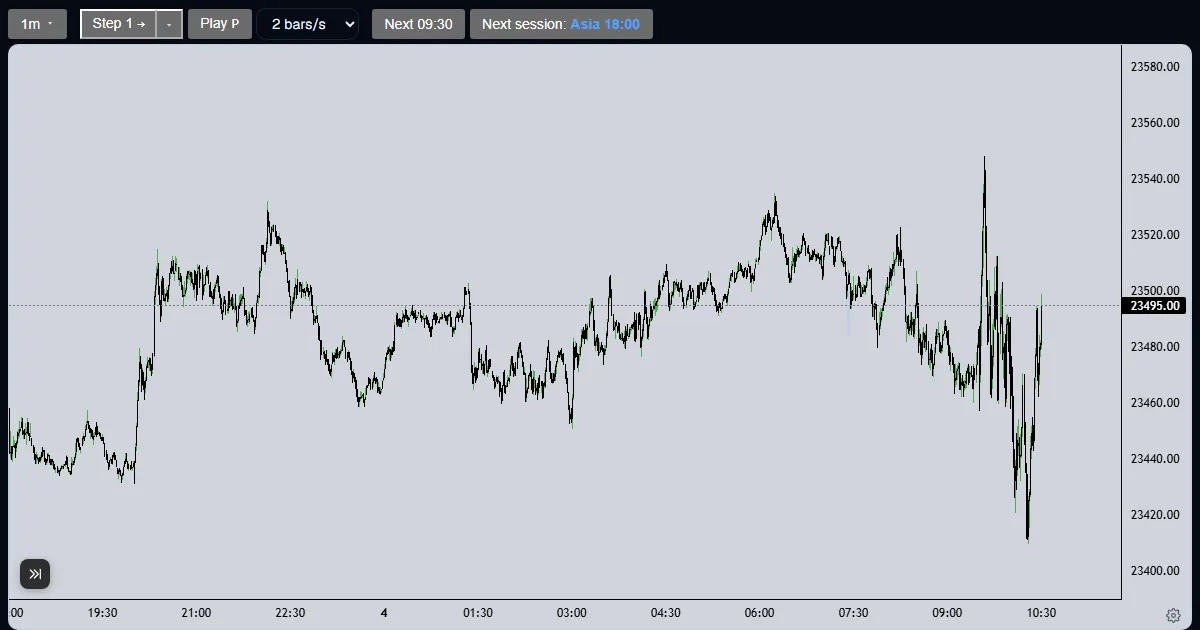
Save the chart from the Save tab, open the builder from the replay, and import the saved charts into an order; up to five charts per order.
Updated
The short answer
A replay is a by-hand test. When your rules are exact enough to write down, send the idea to the tester to run on the full history. The Save tab keeps the charts you want to show, and the builder imports them into the order.
From replay to order
Save the chart
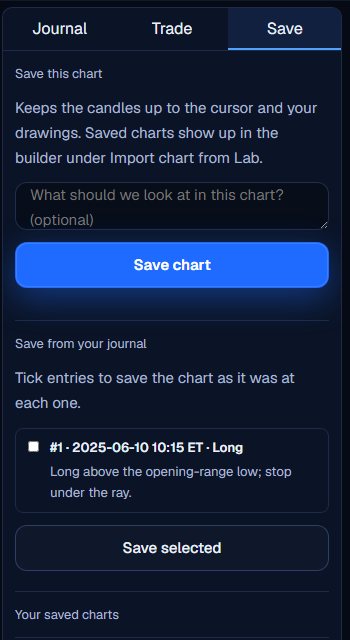
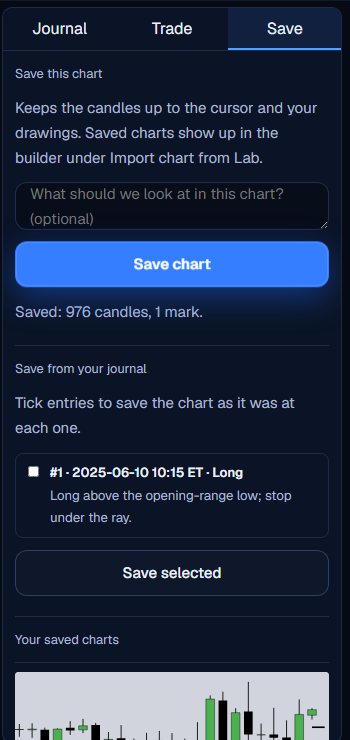
Open the Save tab. Save this chart keeps the candles up to the cursor and your drawings, with an optional note about what we should look at.
Or save from your journal
Tick journal entries and press Save selected to save the chart as it was at each one. Saved charts are listed at the bottom of the tab.
Open the builder
The Builder link at the top right of the replay opens the strategy builder with this run saved charts ticked.

Import the charts
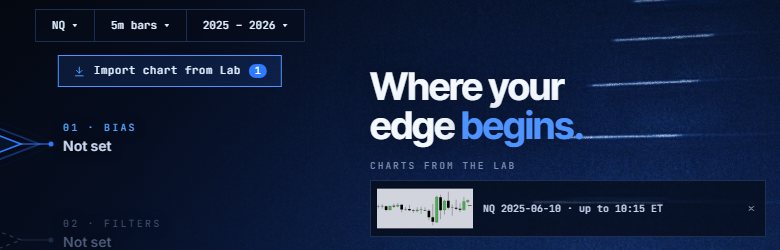
In the builder, Import chart from Lab shows a count of the charts you can attach, and the Charts from the Lab list shows each one. An order takes up to 5 charts.
Describe the rules and order
Fill in the bias, entry, stop and target in the builder. The tester runs those rules on the full history of the market and sends back every trade with the assumptions used.
What changes between a replay and a backtest
A replay is one session at a time and depends on your judgement. A backtest runs fixed rules over years, with the same fills each time. Many people replay a setup for a few weeks to find the rules, and then test the written rules.
The saved charts help the tester read what you meant, because a drawn level is clearer than a sentence.
The builder asks for five layers in order: bias, filters, entry, stop and target. Nothing is picked for you, and each layer is written the way you would say it to another trader, in your own words and numbers. Every version of a backtest costs $19.
Replay finds the rules. A backtest checks them on more history than you can click through.
What the Trade Lab does not do
The Trade Lab replays history. It has no live data, and no real order is ever placed. Paper fills are modelled on 1-minute bars, so they approximate real fills.
Each account can read 40 distinct 1-minute sessions and start 5 new runs per UTC day, and it needs a verified email. The Lab itself is free.
Questions and answers
How do I backtest what I practised in a replay?
Save the charts, open the builder from the replay, import them into an order and describe the rules. The tester runs the rules on the full history.
How many charts can I attach to an order?
Up to 5 charts per order.
Do saved charts include my drawings?
Yes. A saved chart keeps the candles up to the cursor and your drawings, plus a note if you wrote one.
Is the full backtest free?
The replay is free. Every version of a backtest is $19.
Is a replay the same as a backtest?
No. A replay is by hand, one candle at a time. A backtest runs fixed rules over the history at once.
Do I need to save a chart to use the builder?
No. You can describe the rules in the builder without any chart. Saved charts are an extra: they show the tester the candles and levels you were looking at.